Seized or searched
Your phone is taken before you can open an app. Panic Burn works from the lock screen through a gesture that looks like frustration, not a security app.

When someone is watching or your phone is already out of your hands, Panic Burn fires your configured response through rapid power-button presses — discreet, on-device, and immediate.
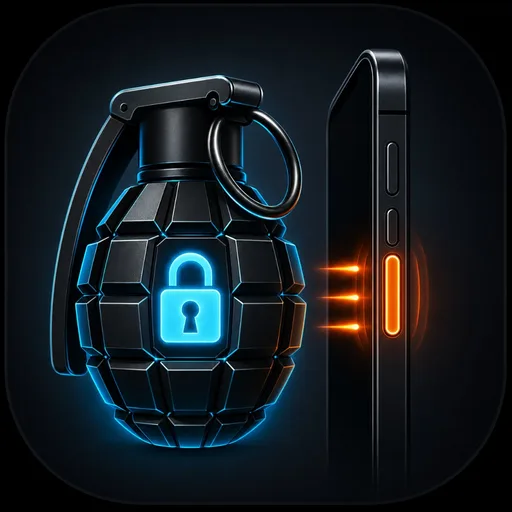
Your phone is taken before you can open an app. Panic Burn works from the lock screen through a gesture that looks like frustration, not a security app.
Someone demands your PIN while you still hold the device. A few rapid presses can trigger protection before they get inside.
You feel your phone slip or notice it missing. If it is still powered and armed, the trigger remains ready without logging into anything.
Panic Burn is evaluated locally on your Android device. No account signup, no ad-tech stack, and no personal info required for normal use.
Yes. When Burn is armed and Panic Burn is enabled, rapid power-button presses are evaluated on-device — you do not need to unlock or open the app.
The gesture looks like repeated button presses. You can configure an optional alarm, but the trigger itself does not require opening a visible security app.
You choose the response in Burn — lock, alarm, or full device wipe — the same as other triggers.
Panic Burn is a Pro feature. Core includes essentials like duress PIN and USB data burn; Pro unlocks every advanced trigger.